
Complete Guide: The Hugging Face Ecosystem in 2026
About this translation
Original publication dates and historical context are preserved. Images, embedded media, source documents and code examples remain in their original language.
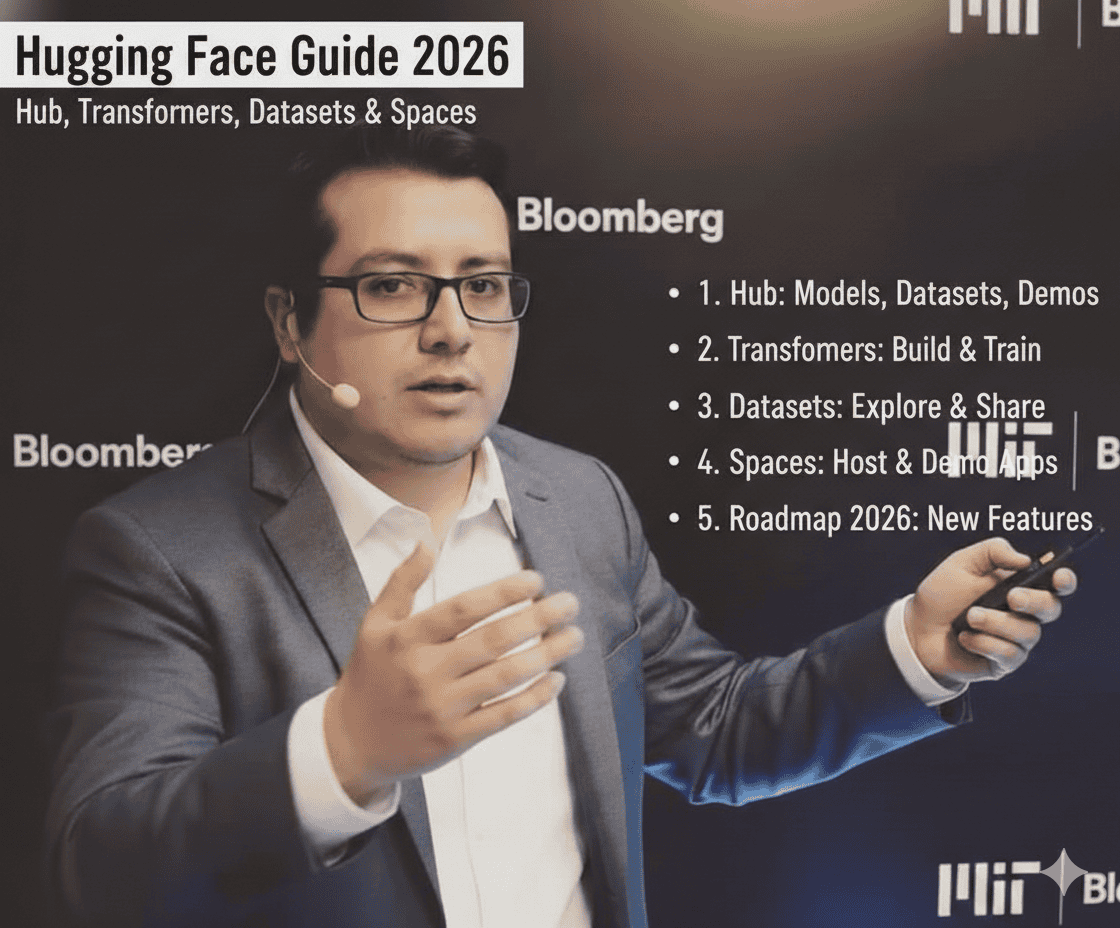
Complete Guide: The Hugging Face Ecosystem in 2026
1. Architecture of the Hugging Face Ecosystem
Hugging Face started as a chatbot startup and pivoted to become the “GitHub of Machine Learning.” Understanding its architecture is fundamental because it is where most of the open-source LLM ecosystem lives.
1.1 The Four Pillars
Think of Hugging Face as a platform with four interconnected components.
Hugging Face Hub is the central repository, like a GitHub specialized in ML. It stores models (more than 500,000), datasets (more than 100,000), and Spaces (applications). Each resource has Git versioning, standardized documentation, and usage metrics.
Transformers is the Python library that lets you load and use models from the Hub. It provides a unified interface regardless of whether the model comes from Meta, Mistral, Google, or the community. The key abstraction is “pipelines,” which simplify common tasks.
Datasets is the library for loading, processing, and sharing datasets. It is optimized to handle large amounts of data without loading them entirely into memory (it uses Apache Arrow). It includes preprocessing and filtering tools.
Spaces is the hosting platform for demos and applications. It supports Gradio, Streamlit, and Docker. It lets you create interactive interfaces without your own infrastructure, ideal for client demos or internal prototypes.
1.2 How They Connect
The typical workflow works like this: find a model on the Hub, load it with Transformers, train or evaluate it with data from Datasets, and create a demo in Spaces. Everything is integrated with a single authentication and the same CLI.
2. The Hub in Depth
2.1 Structure of a Model Repository
Each model on the Hub is a Git repository with a specific structure. It contains model weight files (safetensors or pytorch_model.bin), configuration files (config.json, tokenizer.json), the README.md that serves as the Model Card, and optionally training scripts and examples.
When searching for models, the most useful filters are task (text-generation, text-classification), library (transformers, sentence-transformers), language, and license (apache-2.0, mit for commercial use).
Metrics to watch include monthly downloads, which indicate adoption; likes, which show community validation; and the update date, which indicates active maintenance.
2.3 A Practical Search Example
If you need a model for Spanish text classification with a commercial license, you would go to huggingface.co/models, filter by Task: Text Classification, Language: Spanish, and License: apache-2.0 or mit. Then you would sort by downloads to see the most widely used ones.
3. Model Cards: Evaluating Models
3.1 What Is a Model Card?
A Model Card is standardized documentation describing a model. Google proposed it in 2018 as a responsible ML practice. It is the repository's README.md, but with specific sections.
3.2 Critical Sections to Evaluate
Model Description tells you what the model does, who created it, and what it was designed for. Here you check whether its original purpose matches your use case.
Training Data describes what data it was trained on. This is crucial for understanding potential biases and the domains where it will work well. A model trained only on Wikipedia will behave differently from one trained on conversations.
Evaluation shows performance metrics on standard benchmarks. Look for metrics relevant to your task: perplexity for generation, F1 for classification, BLEU for translation.
Limitations and Biases honestly documents where the model fails. This section saves you the time of discovering limitations yourself.
How to Use provides example code to load and use the model. Copy and adapt this code as a starting point.
3.3 Red Flags in Model Cards
Be wary when there is no Model Card or it is empty, when there is no training data information, when evaluation metrics are vague or absent, when the license is unclear, or when there are no working code examples.
3.4 Practical Model Evaluation
Beyond the Model Card, evaluate with your own data. Public benchmarks do not reflect your specific use case. A model with a worse overall score may perform better in your domain.
4. Pipelines: The High-Level Abstraction
4.1 What Are Pipelines?
Pipelines are the simplest way to use models in Transformers. They abstract tokenization, inference, and post-processing into a single call. They are ideal for rapid prototyping and standard use cases.
4.2 Available Pipelines
For text processing, there is text-generation for text completion or chat, text-classification for categorizing text, question-answering for answering questions about a context, summarization for summarizing long texts, translation for translating between languages, fill-mask for filling in missing words, and ner for identifying named entities.
For other data types, there are image-classification, object-detection, automatic-speech-recognition, and text-to-image.
4.3 Anatomy of a Pipeline
When you create a pipeline, the following happens internally: the model is downloaded from the Hub if it is not cached, the appropriate tokenizer is loaded, the model is configured for inference, and the post-processor is prepared to format outputs.
When you run the pipeline on text, it first tokenizes by converting text to numerical IDs, then performs the forward pass through the model, decodes the output tokens into text, and finally applies task-specific formatting.
4.4 When to Use Pipelines vs. Manual Code
Use pipelines when prototyping quickly, when the task is standard without customization, when you want clean and maintainable code, or for demos and proofs of concept.
Use manual code when you need control over tokenization, want optimized batch processing, implement custom generation logic, or perform fine-tuning and training.
5. Specialized Models
5.1 Models for Spanish
BETO and derivatives: BETO was the first BERT trained specifically in Spanish, created by the Universidad de Chile. It has variants such as BETO-cased and BETO-uncased and is good for classification, NER, and embeddings. Its limitations are that it is based on an older architecture (BERT) and has limited context (512 tokens).
MarIA: Developed by the Barcelona Supercomputing Center, it was trained on a massive Spanish corpus (570GB of text). It has variants for different tasks and is more modern than BETO, with better performance.
Optimized multilingual models: The most relevant include mBERT, which is BERT trained in 104 languages; XLM-RoBERTa, which offers better multilingual performance than mBERT; and Qwen models, which have the best tokenizer for Spanish among large LLMs.
5.2 Models for Finance
FinBERT: Created by Prosus AI, it was trained on financial communications such as 10-K reports, earnings calls, and news. It specializes in financial sentiment analysis and is the de facto standard for financial NLP in English.
FinGPT: An open-source financial LLM project, more recent than FinBERT, with generative capabilities.
Considerations for financial Spanish: There is no established “Spanish FinBERT.” Options include fine-tuning Spanish models with local financial data, using multilingual models that capture financial terminology, or creating specialized embeddings with data from SBS, SMV, and Peruvian financial news.
5.3 Sentence Transformers for Embeddings
This is a specialized library for creating sentence embeddings, essential for semantic search and RAG. Recommended models for Spanish include paraphrase-multilingual-MiniLM-L12-v2, which is fast and good for Spanish; multilingual-e5-large, which has better quality but is slower; and sentence-transformers/LaBSE, which is best for diverse languages.
6. The Datasets Library
6.1 Key Concepts
Datasets uses Apache Arrow for efficient disk storage, allowing you to work with data larger than RAM through memory mapping, stream enormous datasets without downloading them in full, and process in parallel with multiple CPUs.
6.2 Common Operations
The most common operations are loading datasets from the Hub or locally, filtering by conditions, mapping functions over all examples, splitting into train/test/validation, and saving in different formats.
6.3 Relevant Datasets for Your Context
For Spanish tasks, there are XNLI (inference in multiple languages), MLQA (multilingual question answering), Spanish Wikipedia (general corpus), and MASSIVE (Amazon's multilingual intents).
For finance, there are financial_phrasebank (financial sentiment in English), SEC filings datasets, and news headlines datasets.
7. Spaces: Demos and Applications
7.1 Types of Spaces
Gradio is ideal for ML demos with predefined components. It has the lowest learning curve and is perfect for showing models to nontechnical stakeholders.
Streamlit offers more flexibility for dashboards and data applications, is better for complex visualizations, and requires a little more code.
Docker provides full control with any framework, is necessary for complex applications or APIs, and requires knowledge of containerization.
7.2 Use Cases in a Corporate Context
For management demos, you can create a Gradio Space that shows the intent classifier, allowing stakeholders to try real phrases without touching code.
For internal prototypes, you can deploy a private Space with authentication, useful for the team to test model iterations.
For internal APIs, you can use a Docker Space as an endpoint for other systems, integrating with existing workflows via HTTP.
7.3 Limitations of Free Spaces
Resources are limited (2 vCPU, 16GB RAM), Spaces shut down after inactivity, there is no GPU in the free tier, and large models do not load. For production, you need Spaces with a dedicated GPU or your own infrastructure.
8. Integrated Workflow
8.1 The Complete Cycle
A typical project follows this workflow: Explore the Hub for candidate models and relevant datasets, then Prototype with Pipelines for quick tests with minimal code, followed by Evaluation with Datasets to compare models using your data, then Customization with Transformers for fine-tuning if needed, and finally a Demo in Spaces with an interface for user validation.
8.2 A Concrete Example: Intent Classifier
For an intent classifier project, you would search the Hub for Spanish text-classification models. With Pipelines, you would run quick tests using different models. With Datasets, you would prepare your dataset of labeled examples. With Transformers, you would fine-tune the chosen model. And in Spaces, you would create a demo for the collections team to validate.
9. Key Points to Remember
About the Hub: It is the starting point for any NLP project. Always check the license, Model Card, and metrics before committing to a model.
About Pipelines: They are your best friend for prototyping. Do not reinvent the wheel; start simple and add complexity only if necessary.
About Spanish Models: The ecosystem has improved significantly. There are good options for classification and embeddings. For generation, multilingual models such as Qwen are currently the best option.
About Finance: There is no “perfect model” for financial Spanish. The winning strategy is to combine solid base models with fine-tuning on data from your specific domain.
About Spaces: They are excellent for demos and validation. Do not use them for high-volume production, but do use them to align expectations with stakeholders.
Next chapter: Fine-Tuning LLMs